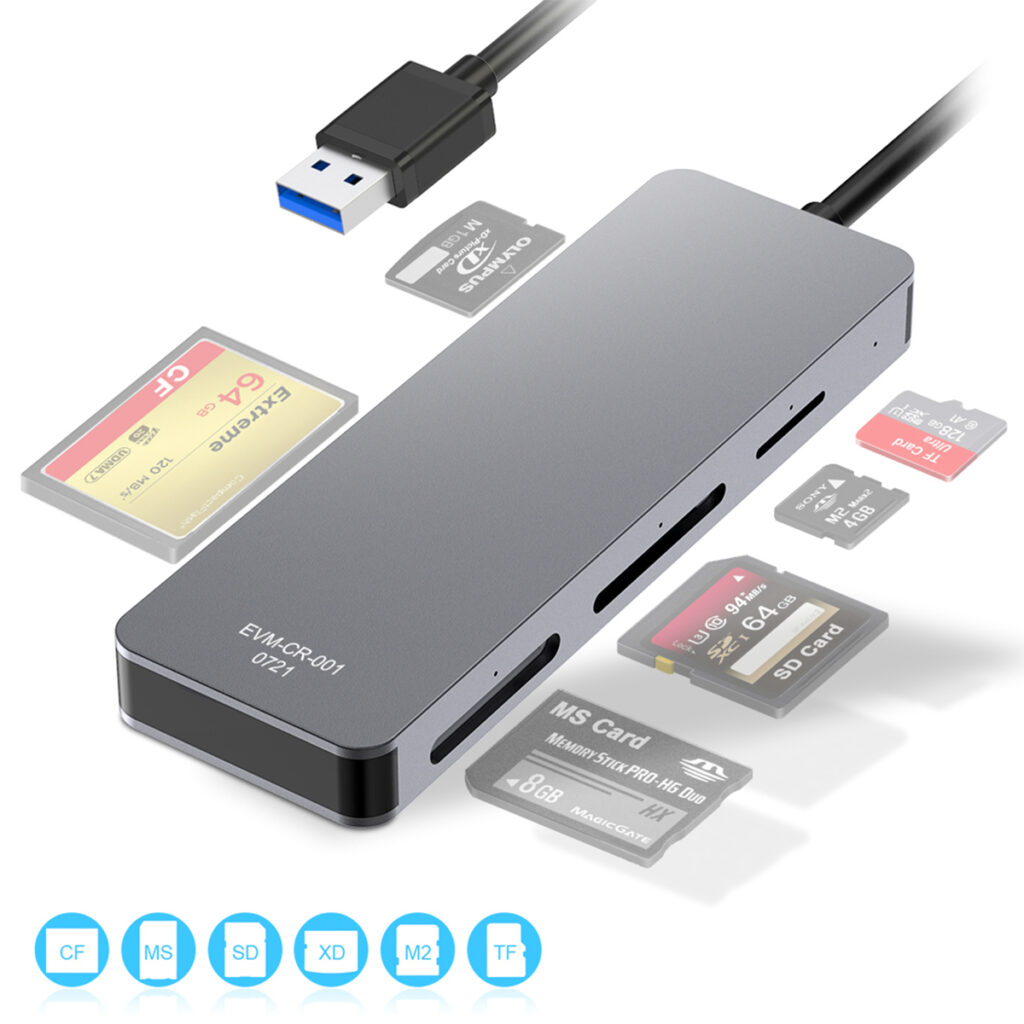
Whether you are a photographer, office worker, or everyday user, choosing the right memory card reader can solve most common compatibility and performance issues. Below are answers to frequently asked questions about Rocketek memory card readers to help you use them with confidence.
1. Why can’t the card reader recognize my memory card?
Rocketek supplies diverse card readers for different memory cards. Please check the user manual to confirm your card is compatible with the reader’s slots and supported formats. Besides, recognition issues may also result from damaged, encrypted cards or dirty metal contacts. Simply clean the contacts and reinsert the card tightly to solve the problem.
2. Why does the connection disconnect occasionally?
Intermittent disconnection generally results from unstable power supply of USB hubs or worn device ports. All Rocketek card readers adopt high-performance main control chips for stable data transmission. We suggest connecting the reader directly to the built-in port of your PC, laptop or mobile device.
3. What is the difference between USB 2.0 and USB 3.0 readers from Rocketek?
Our USB 2.0 card readers feature a maximum speed of 480 Mbps. They deliver steady performance and cost efficiency, perfect for daily photos and document transfer. USB 3.0 models reach up to 5 Gbps, over 10 times faster than USB 2.0. Supporting high-speed transmission, they greatly improve efficiency for 4K videos, large RAW files and bulk data, ideal for photography and commercial use.
4. Multi-in-one or single-slot reader, which is better?
Rocketek multi-in-one readers support multiple card types for one-stop use, great for professionals who switch cards frequently. Single-slot readers feature compact design, high stability and lower failure rate, the optimal choice for daily office and personal use.
5. Why can’t my mobile phone detect the card reader?
Most mobile devices require enabled OTG function and correct file access permissions. Please check if the interface (Type-C/Lightning) matches your phone. All Rocketek mobile card readers are fully compatible with mainstream Android and iOS devices after correct settings.
6. Will high-speed card readers damage memory cards or data?
All Rocketek products are built with over-current, over-voltage and short-circuit protection circuits, which fully safeguard your memory cards and data. To avoid data loss, do not unplug the reader during data transmission.
7. Are drivers required for Rocketek card readers?
Our standard card readers are plug-and-play, compatible with Windows, macOS, Android and other mainstream systems without extra drivers. Only individual industrial-grade functional models need dedicated drivers to activate full features.
8. How to pick a suitable Rocketek card reader?
Select based on your demands: pick USB 3.0 or USB 3.2 for high-speed transmission, multi-in-one models for mixed card use. Our products use premium chips and wear-resistant metal casing, ensuring long-term reliable operation.
If you have any other questions, contact our sales specialists or email us at sales@rocketek.hk. We will reply within 6 hours.